Play
How to play on PRISMA
Java Edition 1.21.x, no mods needed. Connect to prisma-games.com and you are in the hub.
Server IP
prisma-games.com
Port 25565 is the default port; you do not need to type it.
Three steps
- Step 1
Open Minecraft and click Multiplayer
Launch Java Edition 1.21.x. In the main menu click Multiplayer, then Add Server.
- Step 2
Enter the IP
Server name: PRISMA. Server address: prisma-games.com. Click Done.
- Step 3
Connect
Double-click PRISMA in your server list. You spawn in the hub; pick a gamemode there with the compass.
Java Edition
Supported: 1.21.x. Newer clients connect through ViaVersion; versions older than 1.21 are not supported. An official Minecraft account is required.
Bedrock Edition
Bedrock support (phone, console, Windows app) through Geyser is being prepared. Follow Discord for the announcement.
Gamemodes
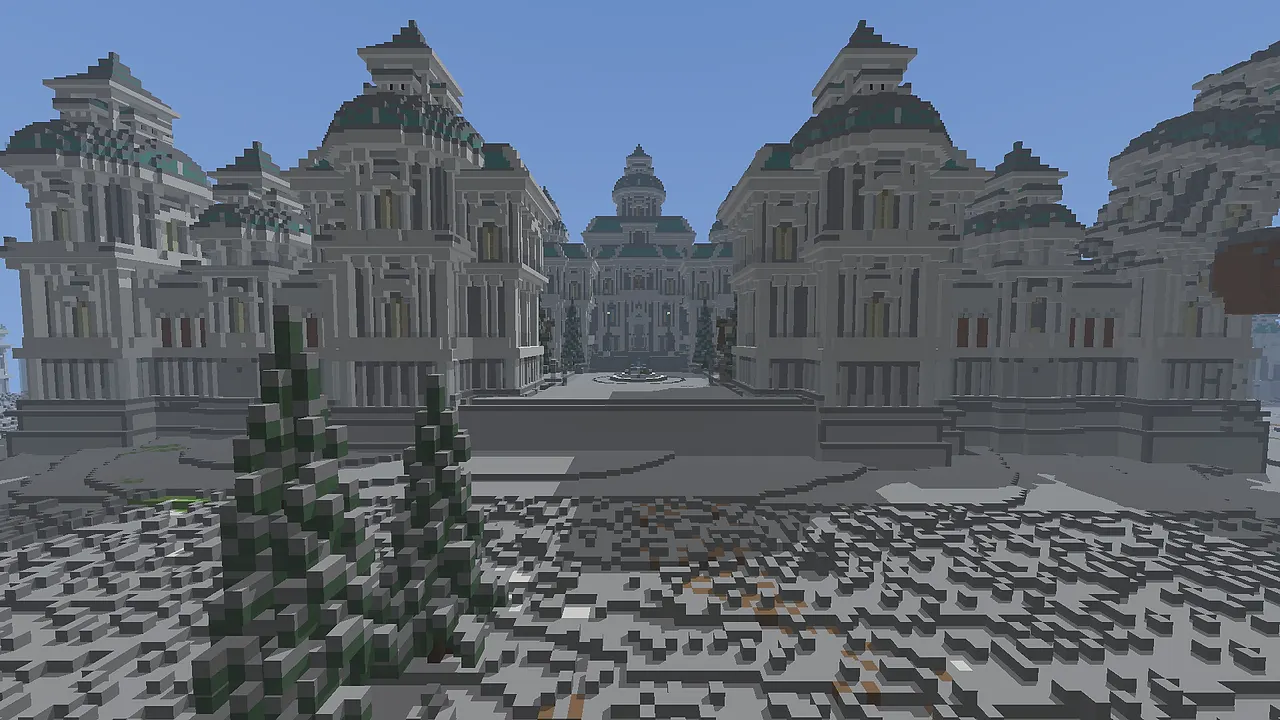 FactionsVia the compass in the hub
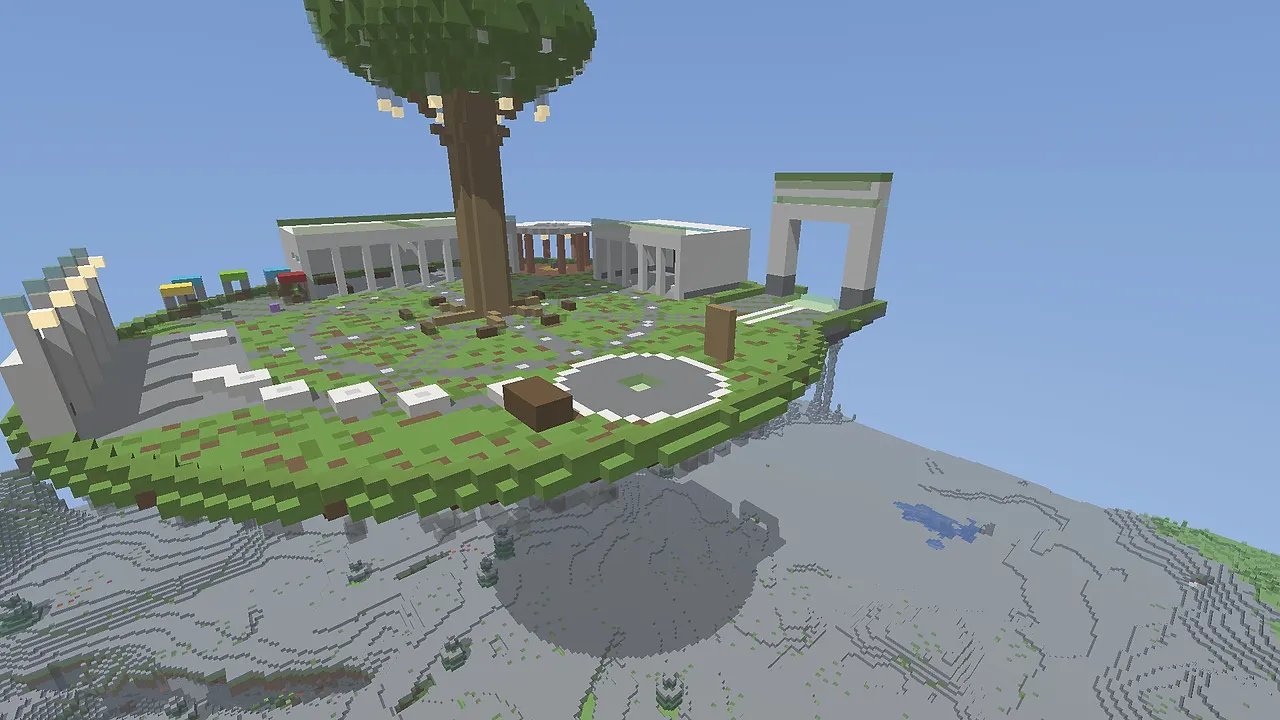 SurvivalVia the compass in the hub
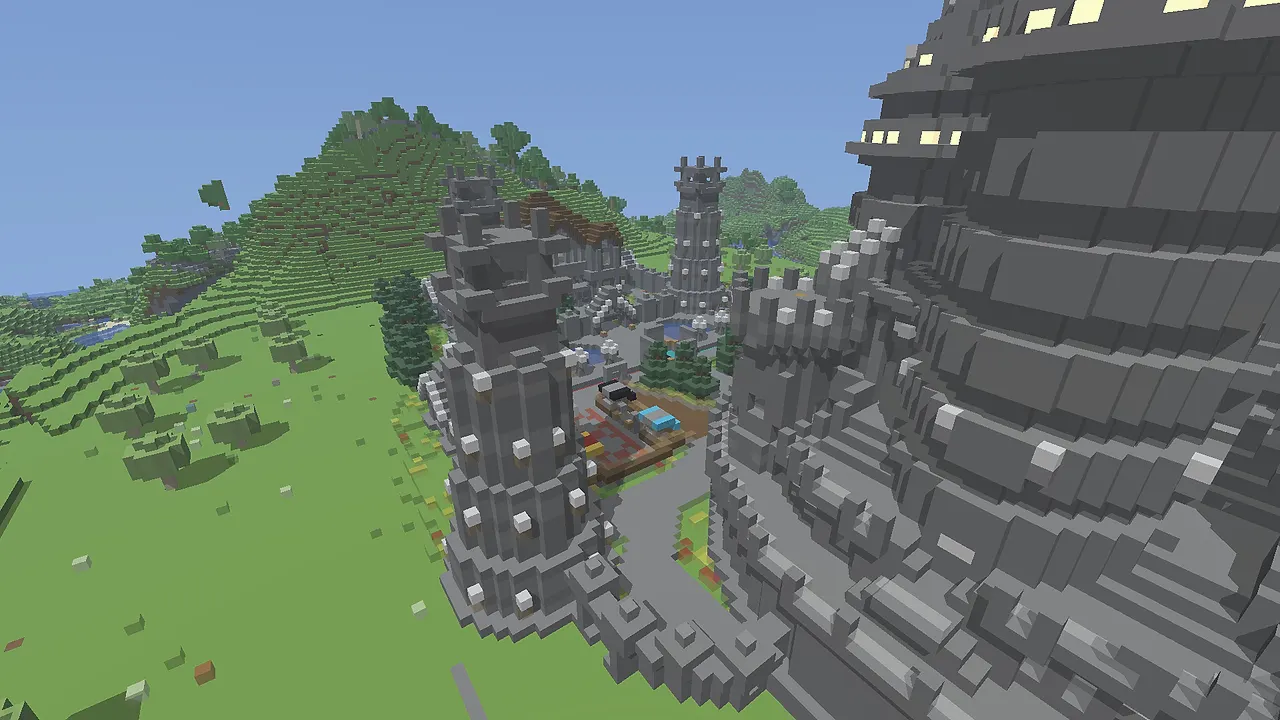 CivCraftVia the compass in the hub
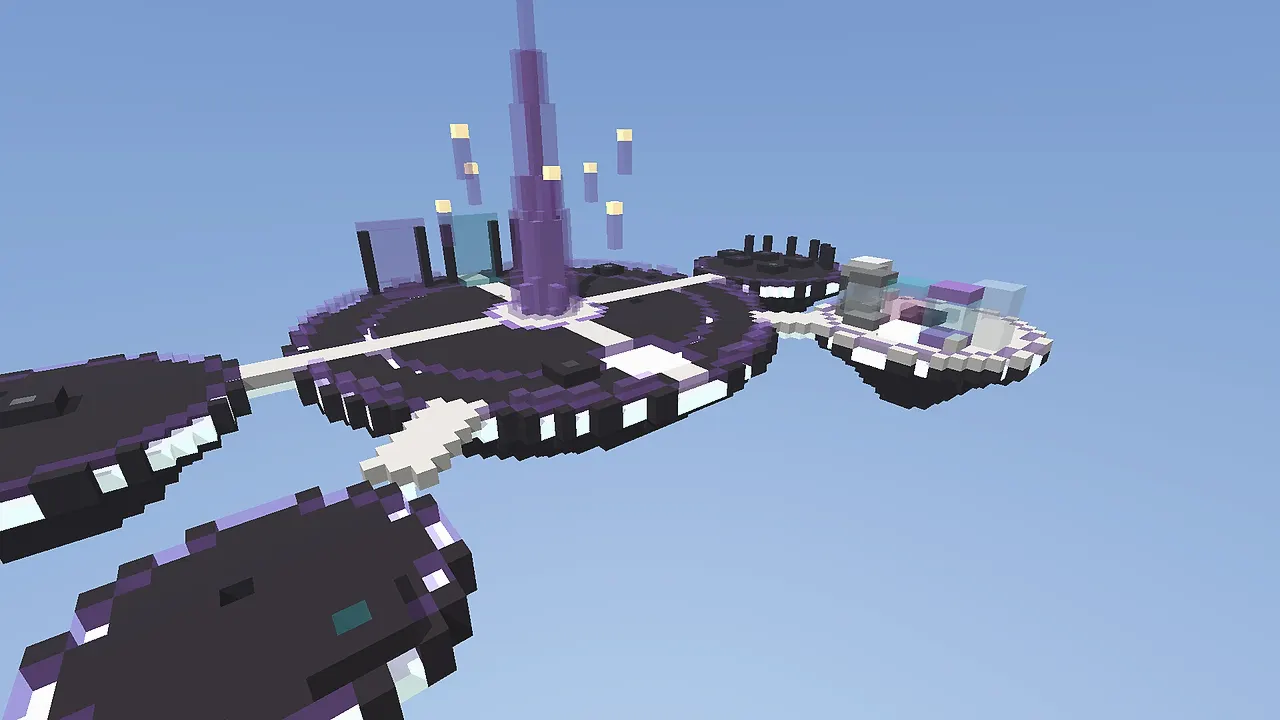 SkyWarsVia the compass in the hub
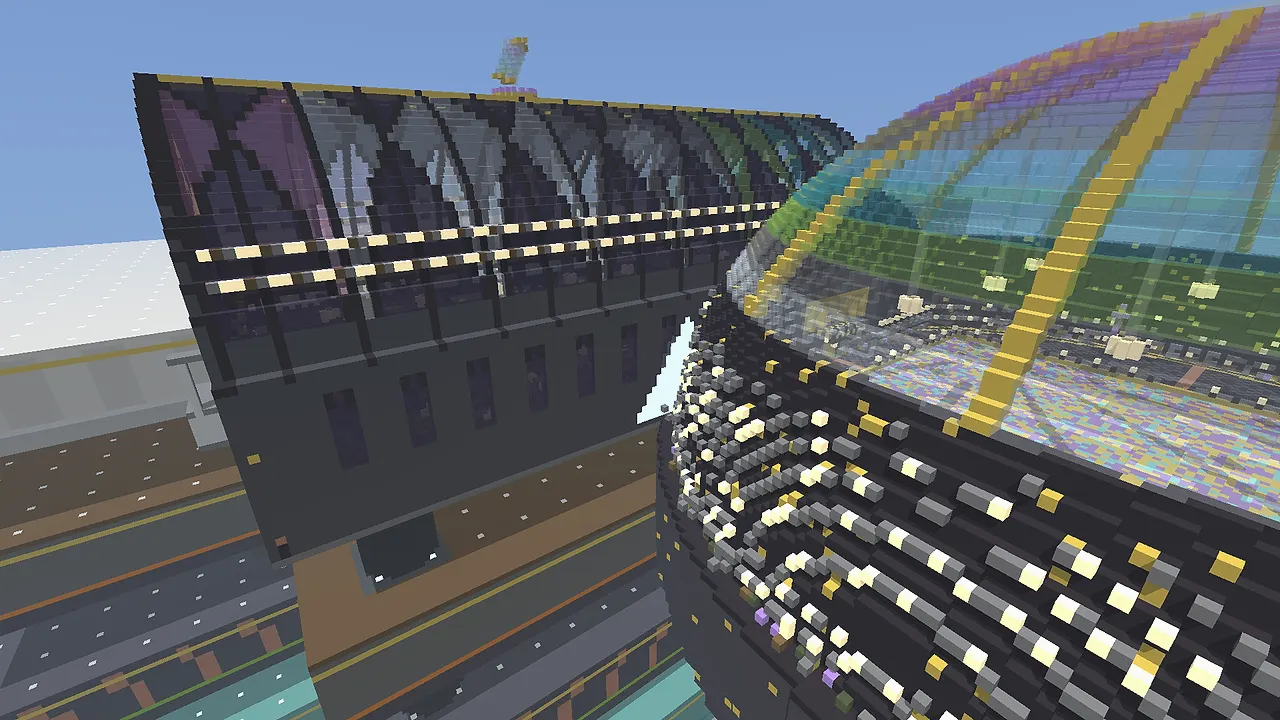 PrisonVia the compass in the hub
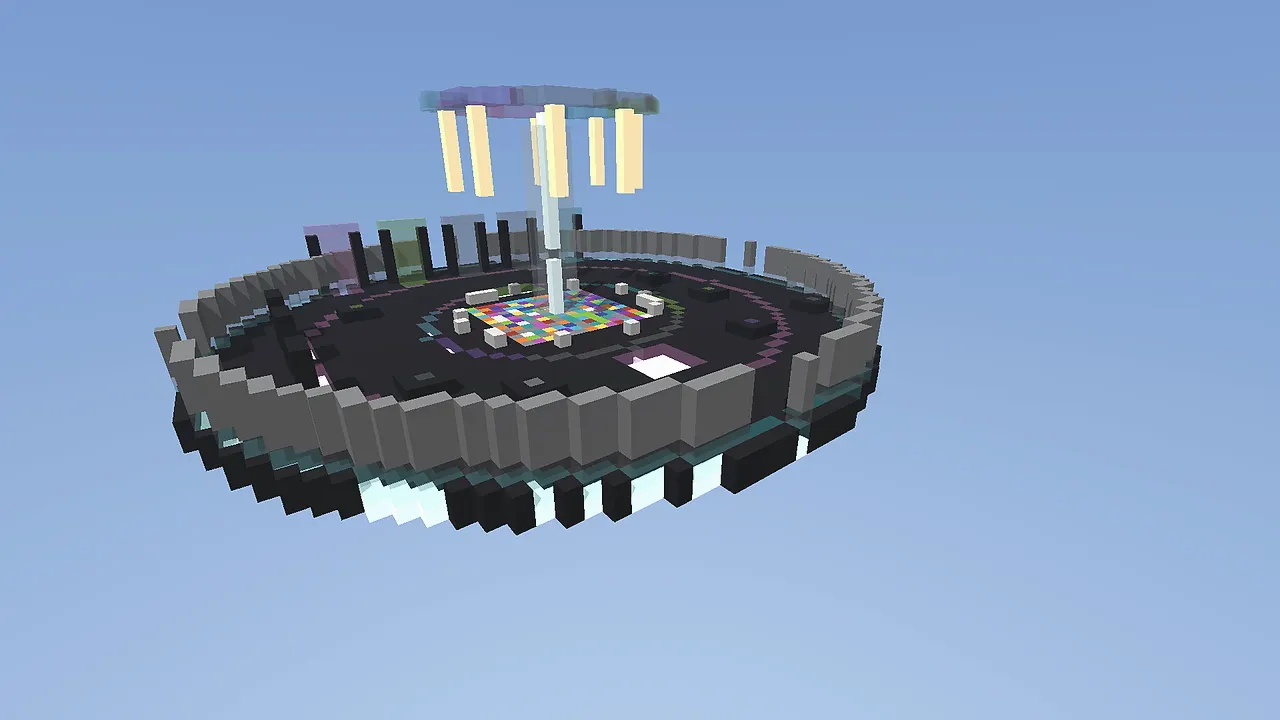 BlockPartyVia the compass in the hub
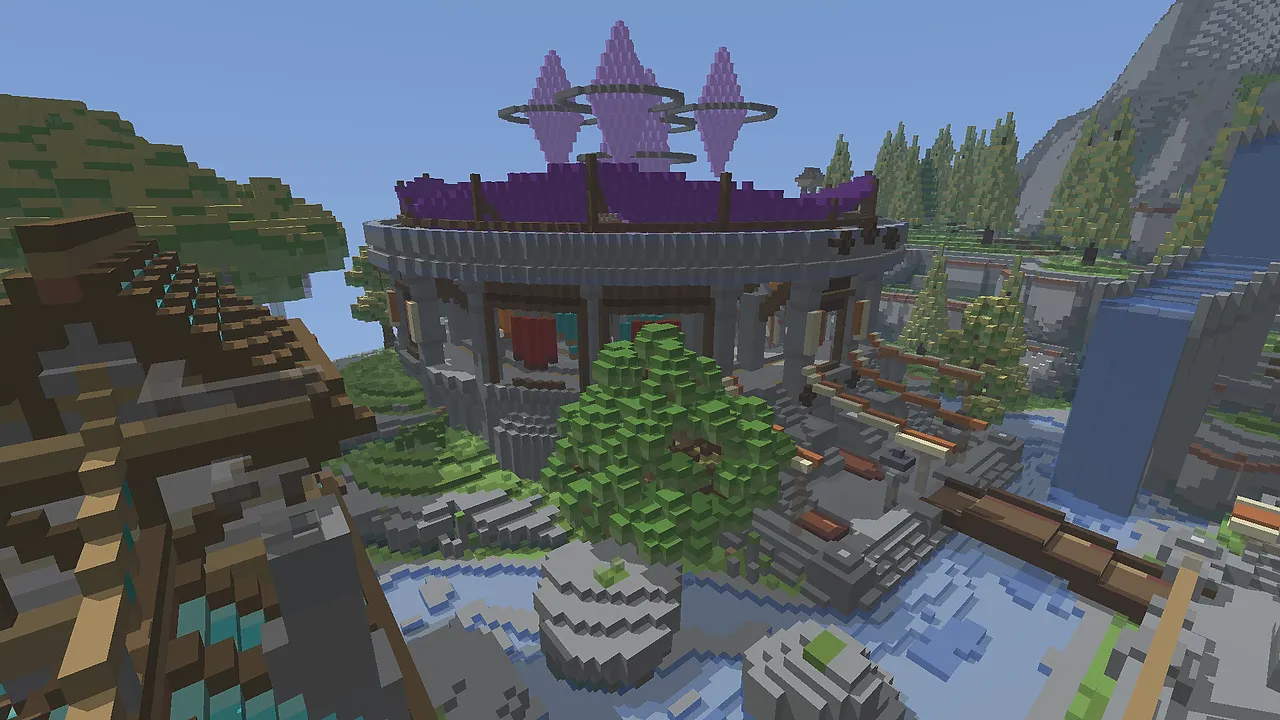 SkyblockVia the compass in the hub
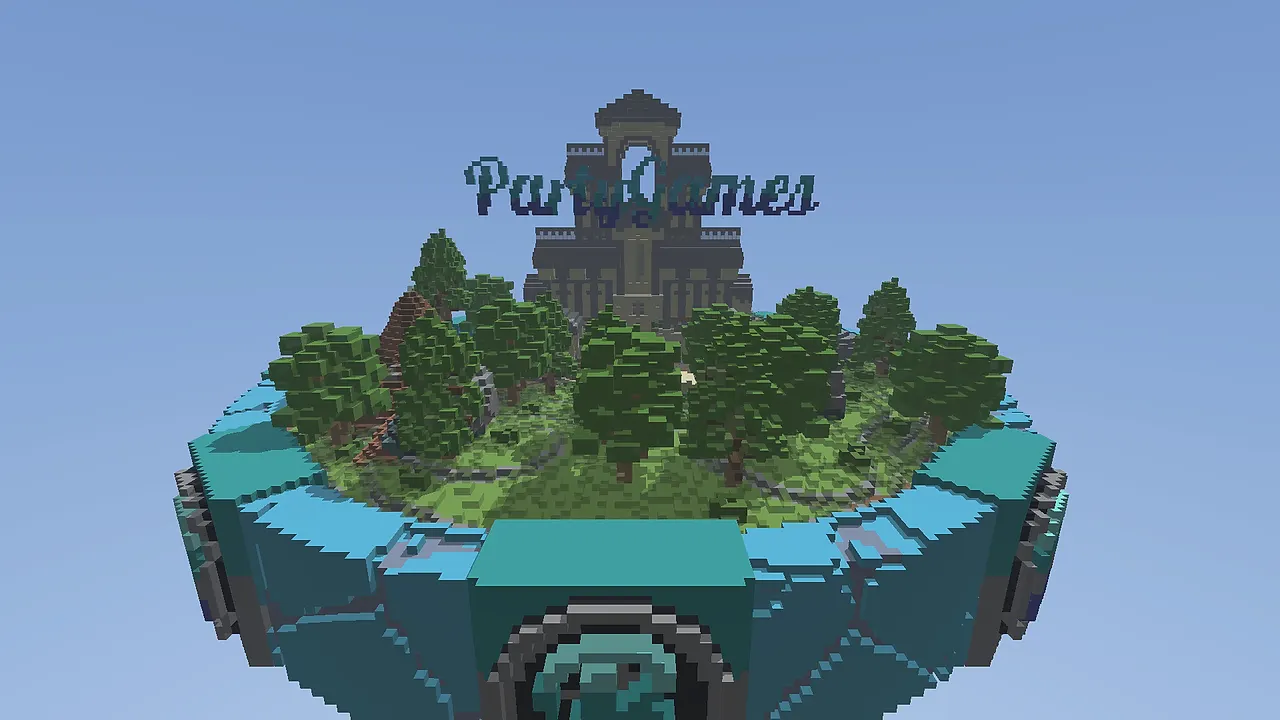 MinigamesVia the compass in the hub
Troubleshooting
Which version should I use?
Java 1.21.x. If your launcher is on Latest Release you are fine.
I can't connect (Connection timed out)
Check that you typed prisma-games.com exactly, without spaces. Restart your launcher and check the status page; during maintenance you will see it there.
Outdated client / Outdated server
Your client is too old or too new. Set the launcher to version 1.21.x and try again.
Can I play on Bedrock (phone, console)?
Not yet. Geyser support is planned; we announce it on Discord as soon as it is live.
Does a cracked account work?
No. PRISMA verifies every account with Mojang; you need an official Microsoft/Minecraft account.
I have lag or a high ping
The server is in Europe. Close downloads and VPNs, and set your render distance to 8 to 12 chunks. Still bad? Report it in #support with your location.